 webCOMAND Docs
 Developer Guide
 Bases
Bases UI Methods
UI Methods
User Interface Methods expose functionality in a cTemplate Scripts, cTemplate Methods and PHP Methods as buttons in Form View.

Email and Print UI Methods in Form View Toolbar
Content Types
Any number of UI Methods may be added to a Content Type.
Each UI Method has an Identifier, which uniquely identifies the button. If a Script is not specified in the UI Method (see below), then the Identifier also maps the button to a cTemplate Method or PHP Method.
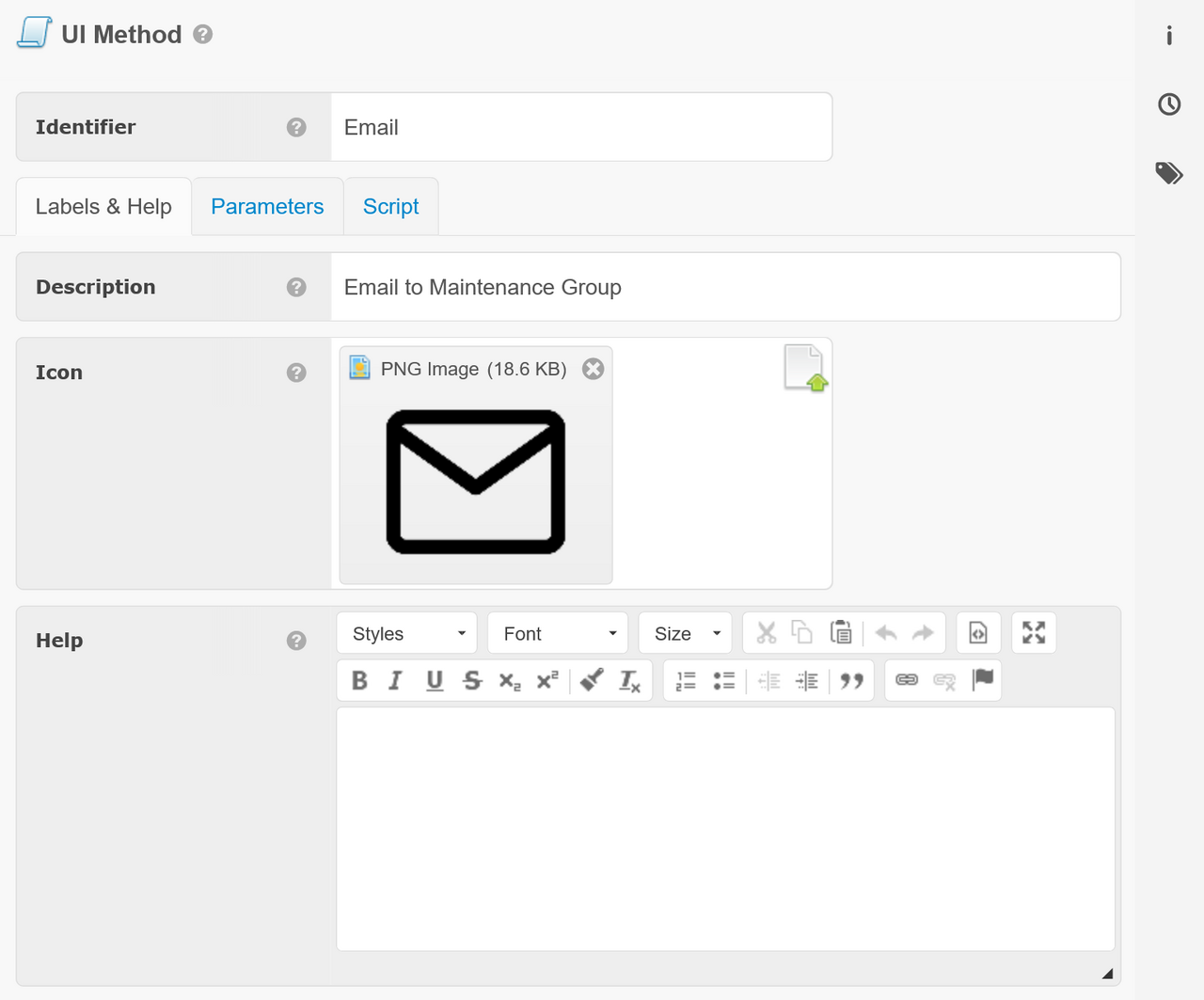
Labels & Help
The following fields customize the icon and text that displays when the mouse hovers over the button.
- Description - Brief description to displayed in user interfaces, like in a tool tip.
- Icon - The icon to display for the method.
- Help - Detailed explanation of method and how it can be used.
Parameters
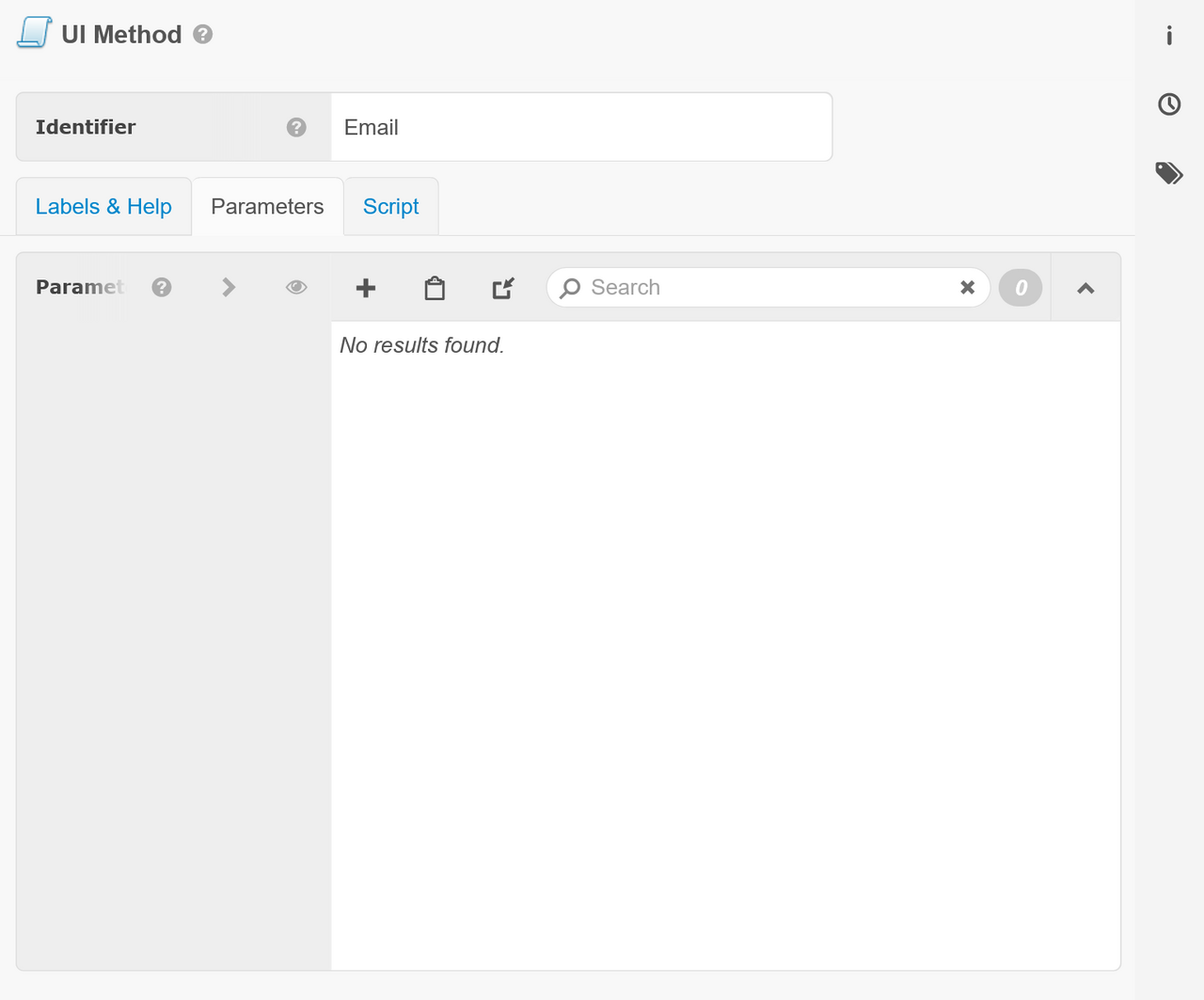
Parameters define the user interface controls to display in a popup when the button is clicked, which will be passed as parameters to the method.
Script
The following fields customize the icon and text that displays when the mouse hovers over the button.
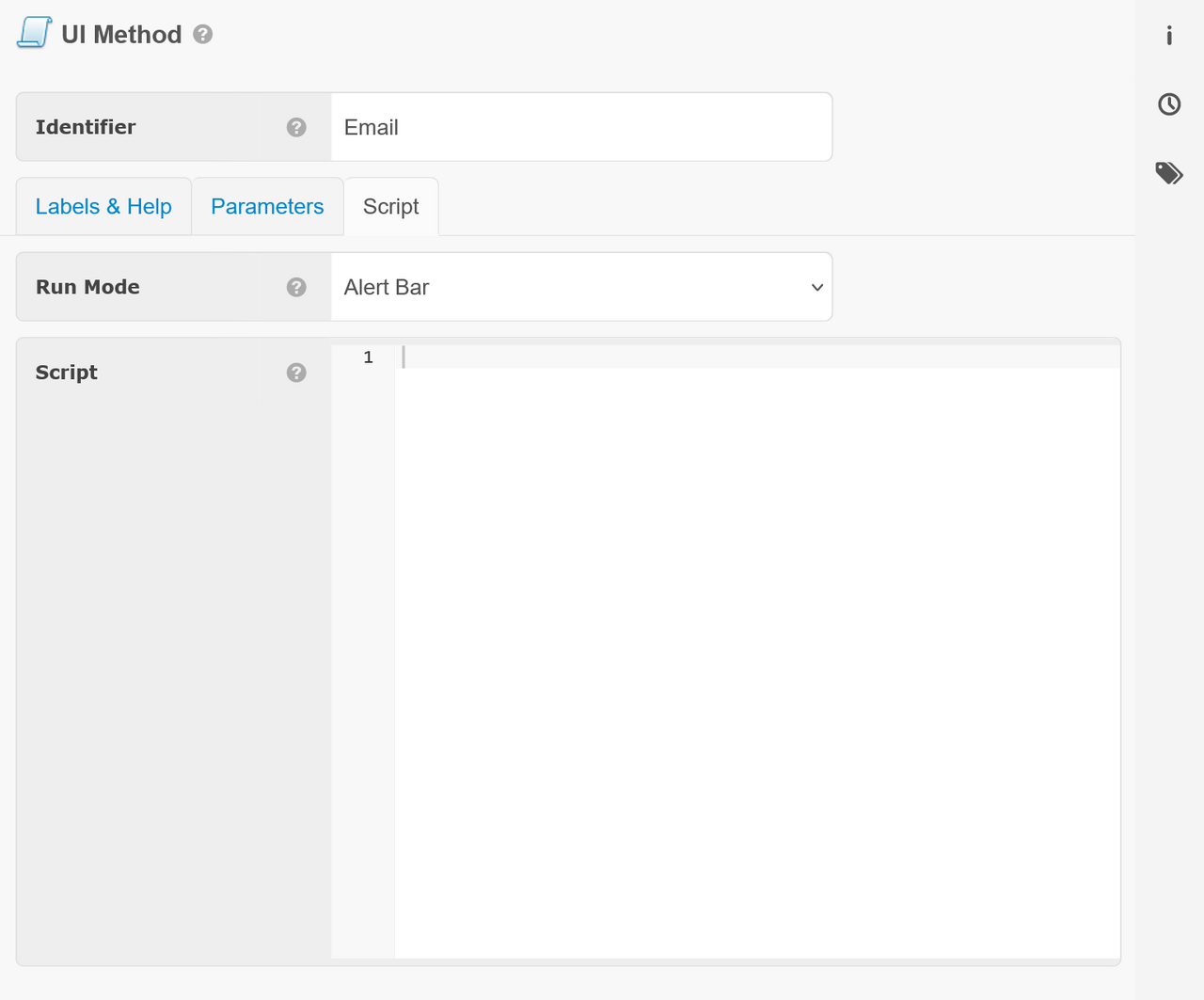
- Run Mode - How to run and/or return values in the webCOMAND UI. Options are:
- Alert Bar - If a string is returned by the method, display it in the alert bar.
- New Browser/Tab - Launch a new browser window or tab to display the results as a web page. HTTP headers can be sent to influence how the page is displayed.
- Download - If a string is returned by the method, automatically determine the file type and instruct the browser to download it as a file.
- Background Task - Launch the method in the background and display the results in the Activity Sidebar. Logged events will also be logged to the System Task.
- Script - Script to define the method's behavior. If populated, this script will be executed when the method is invoked. Otherwise execution will fall back to a defined template or PHP method__ function of the same name, and this method will serve purely as a stub for API descriptions, authorizations, and UI toolbar elements.
Authorizations
UI Methods are made available to users through Content Type Method Privileges. To enable access:
- Open the User Role
- Open the Content tab
- Select the context: Entire Repository, By Base or By Folder
- Click the 3-dot menu to the right of the UI Method's Content Type.
- Check the UI Methods to authorize.
- Click OK and Approve.